
Begin with a real dimension
A screen preview changes with the size of your device. A measurement in centimetres gives you something you can check against a garment or paper pattern. Choose a recognisable motif in your artwork and decide how large you want it to feel in the finished piece. A paper printout at the intended size can help you judge the proportion.
Compare the repeat layouts
A straight repeat lines up each tile. Half drop and half brick stagger the tiles in different directions, while mirror reflects them. These arrangements can change the rhythm of the design, but they do not automatically repair an artwork edge that fails to join. Check the boundaries of every tile for unwanted lines, gaps or clipped motifs.
Plan around the cut
On a dress, look at the neckline, waist and hem as well as the overall silhouette. On a cushion, think about which motif you want centred. A single-placement layout can help communicate an intended position, but the final cutting and sewing plan still matters. Share special placement requirements before production.
Use the preview as a planning tool
Niaash’s print studio shows an illustrative straight-repeat preview. Add your intended print dimensions and any special repeat requirements in the project notes. Review the configuration and metres before adding the project to your bag. Screen colour and generated styling images are illustrative; they are not exact colour, scale or finished-product proofs. Confirm details that are critical to your project with us.
Try it with your own design
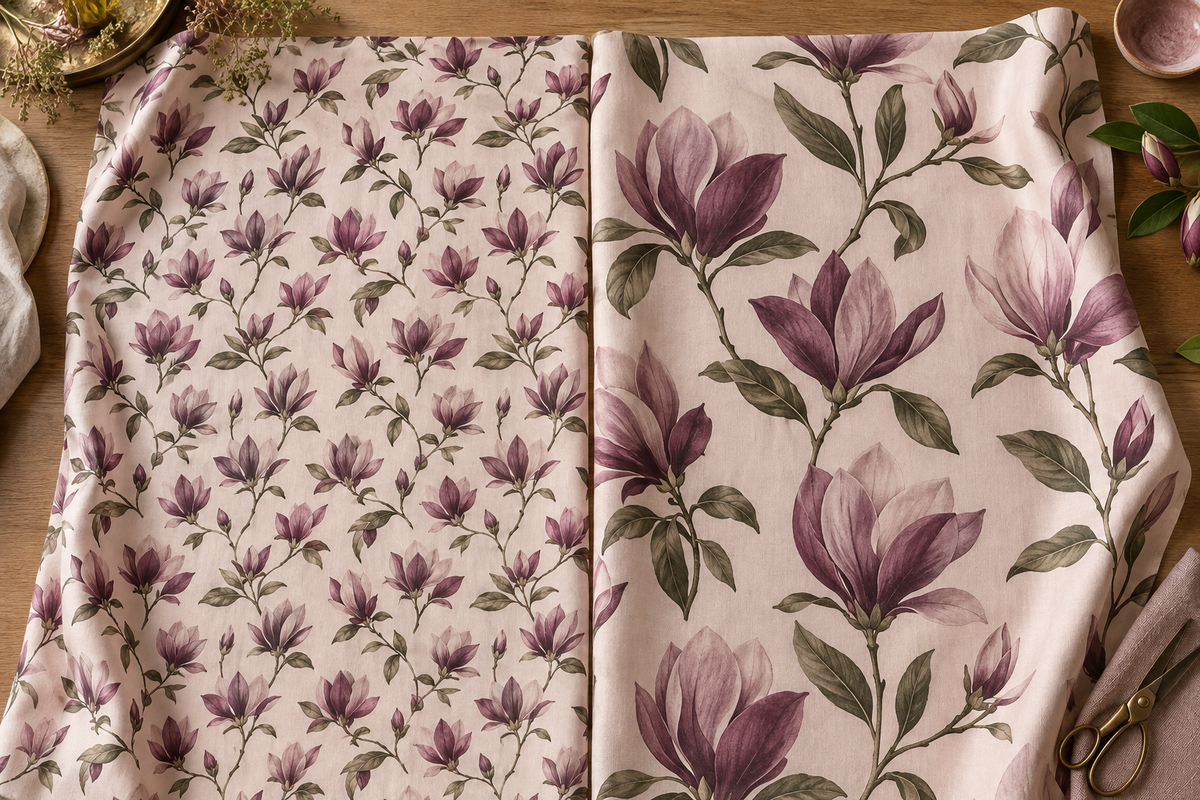
The illustration explores how smaller and larger floral motifs change a composition. It is an editorial illustration, not an exact scale proof. Choose a library pattern or upload your own artwork, then check the intended dimensions in centimetres.